 labsUI
Documentation site
Docs with side navigation, code samples, a list of sections per page, previous and next links and a table of a function's options.
Open demo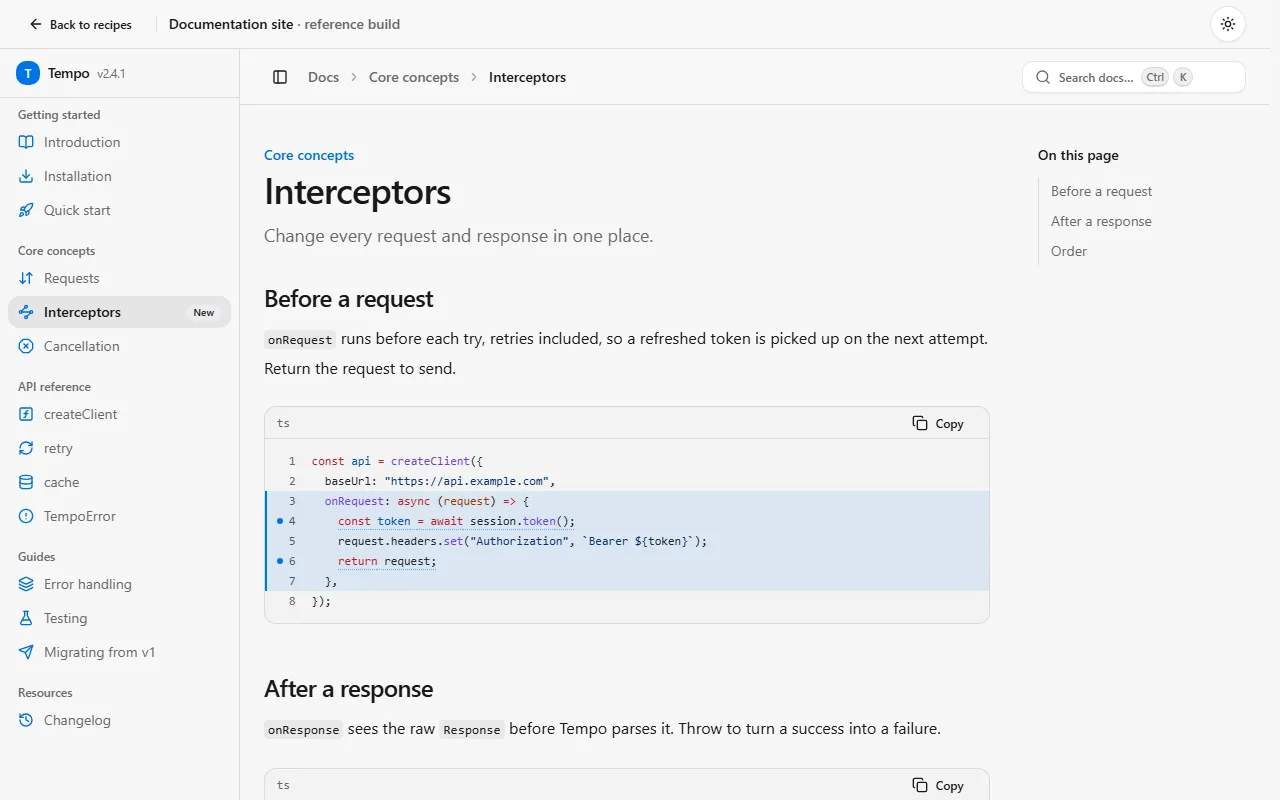
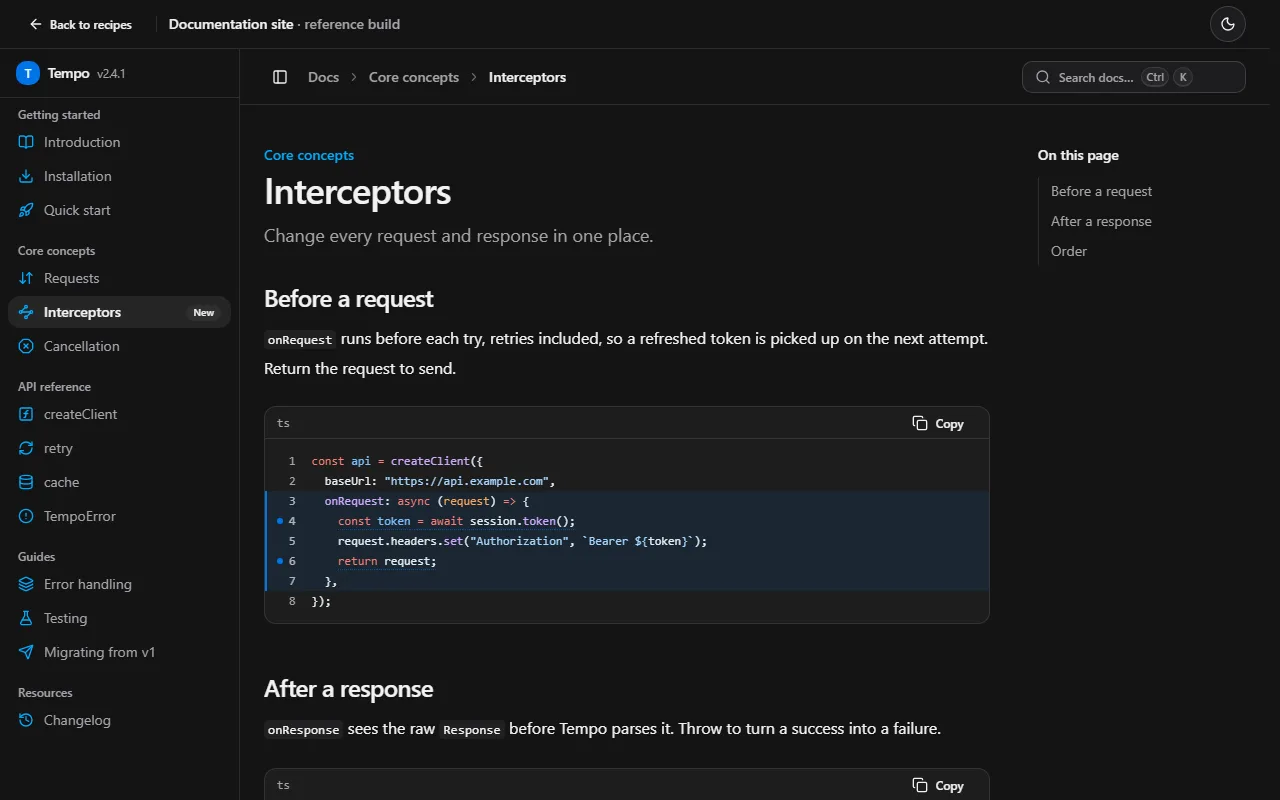
Prompt
Using labsUI, build documentation for a small HTTP framework, all text in English, made for keyboard users. Top tabs split the product into Guide, API and Plugins; the side navigation has collapsible groups, each with its own small coloured icon. ⌘K searches every page. Pages have code samples with a TypeScript / JavaScript switch that changes every sample on the site and is remembered, and under the main example a mock browser pane showing what the request returns. A table lists a function's options; the list of sections sits on the right; previous and next links close the page, and a "copy page as Markdown" button sits by the title. Dense spacing, a monospace face for API headings, dark first, sample data. Pick one accent preset that fits, not the default blue. Avoid a small label above every heading, a centered hero with two equal buttons, three equal feature cards and round numbers like 10,000+.
Checked on labsUI 0.2.3 with Claude Sonnet, November 9, 2026: a fresh Next.js 16 app, the agent using only the labsUI MCP server. Its build passed and axe found no violations from labsUI.
The raw run
The checked run's own result, before any polish: what the prompt alone got.
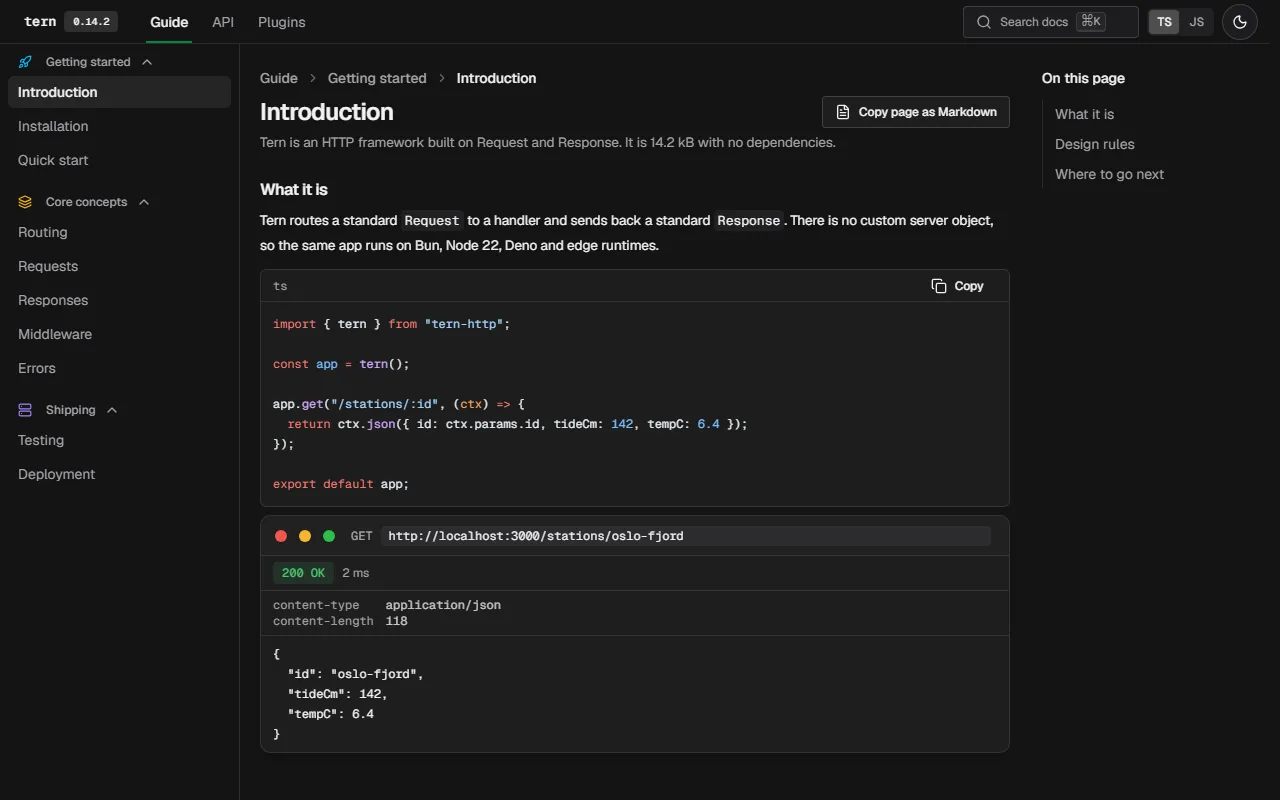
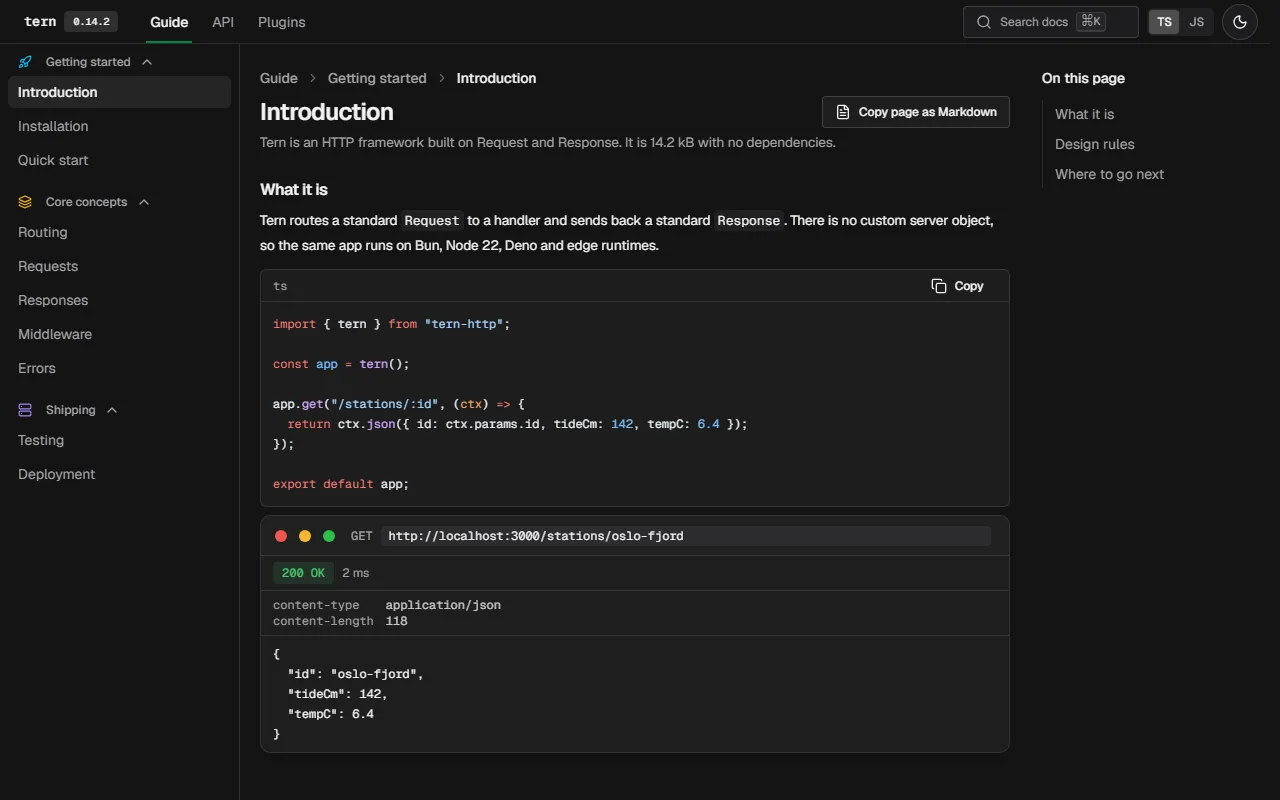
Components it uses
- app-window
- badge
- breadcrumb
- button
- code
- collapsible
- command
- dialog
- drawer
- field
- input
- label
- pager
- props-table
- prose
- search-input
- separator
- sidebar
- table
- table-of-contents
- tabs
- theme-toggle
- toast
- toggle-group
- tooltip
- kbd
The agent adds these itself. To start by hand, after npx @kznlabs/labsui init:
What the result needs
Current page from the route, not the URL
Each page knows its own slug, so pass it to Sidebar's current from the server and skip usePathname(). Sidebar's links route on the client through the root's LinkProvider, so it needs no onSelect.
"use client";import { Sidebar, SidebarLayout } from "@/components/ui/sidebar";export function DocsShell({ current, children }: { current: string; children: React.ReactNode }) { return ( <SidebarLayout> <Sidebar groups={groups} current={current} /> <main>{children}</main> </SidebarLayout> );}Highlight code on the server
Same as any page under Cache Components: highlightCode() inside a "use cache" function, its tokens passed to Code.
A function's options
PropsTable lists options as well as props: rename its first column with labels.
<PropsTable label="createClient options" labels={{ name: "Option" }} rows={rows} />