 labsUI
Shop
A shop in euros with a product grid, a product page with photos and sizes, a cart and a checkout with shipping and payment options.
Open demo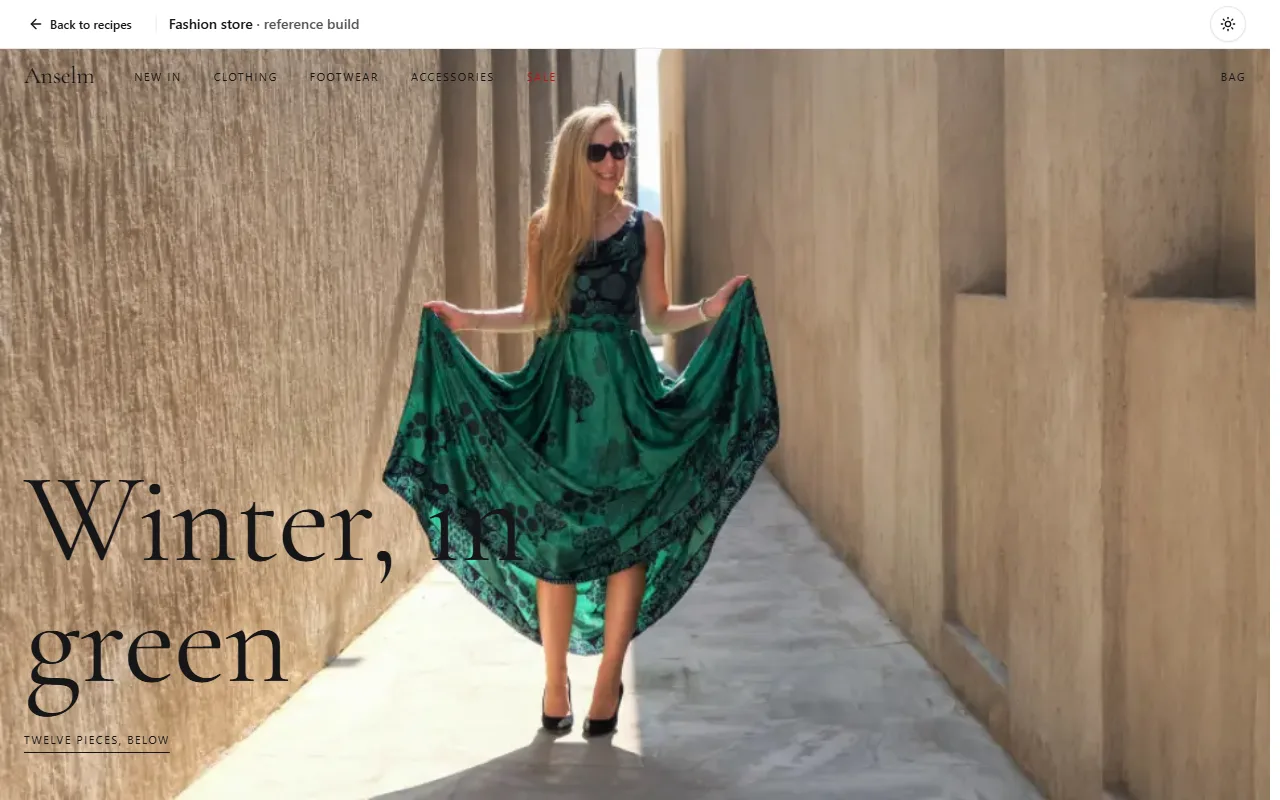
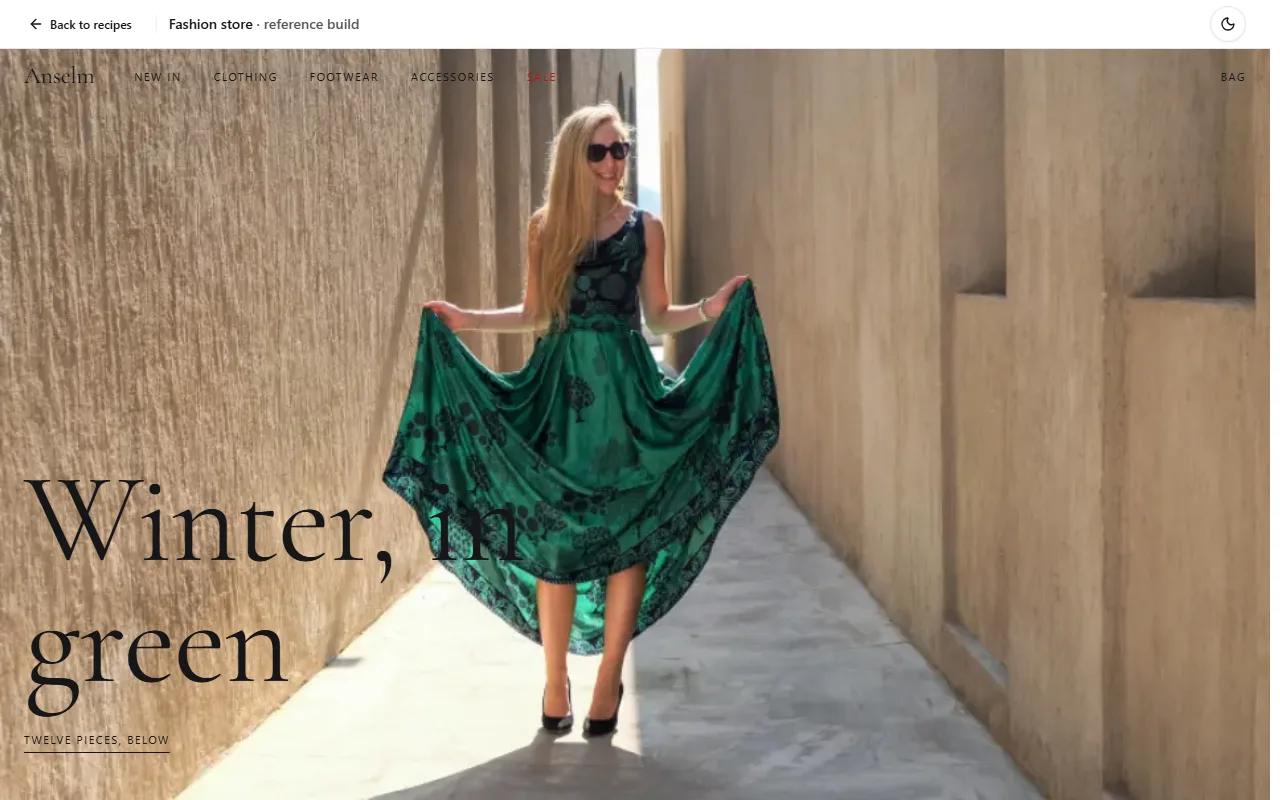
Prompt
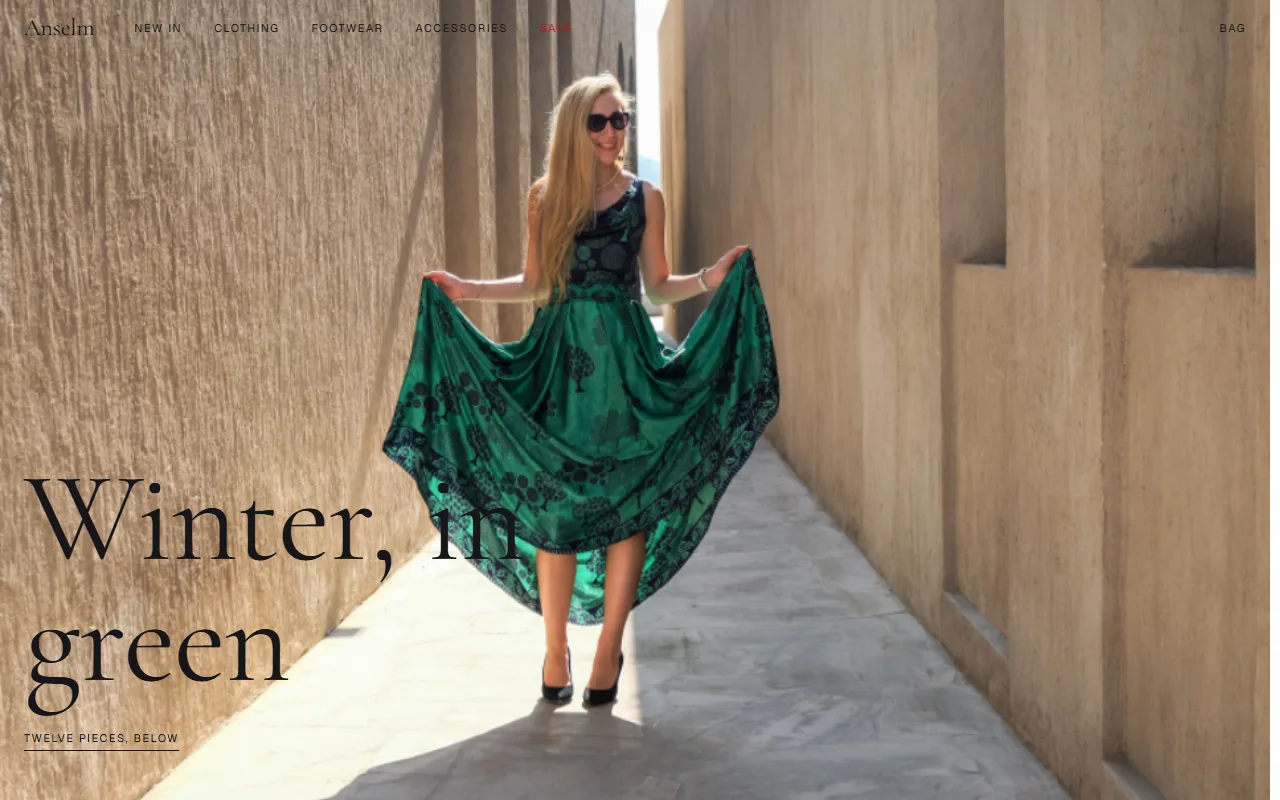
Using labsUI, build a fashion store selling in EUR, all text in English. Make it read like a printed lookbook, not a template: one full-bleed campaign photo under a header that sits transparent over it and turns solid on scroll, small uppercase navigation with the sale link in red, generous white space, square corners (set `--radius` to 0) and no shadows. Above the product grid, a sticky row of filter chips (size, colour, price) and a switch between 2 and 4 columns. The grid runs edge to edge with tight gaps: 3:4 photos, name and price small underneath, the second photo on hover, colour dots. One item is on sale with the old price struck through, one is sold out. The product page stacks its photos in a tall scrolling column beside a sticky panel: sizes as a row of boxes with unavailable ones crossed out, a fit hint ("most buyers say it runs small"), "only 2 left" on low stock, a size guide in a drawer, add to bag (sticky at the bottom on phones) and a row of pieces that go with it. The bag slides in from the right; checkout is one quiet column with shipping and payment choices and free returns stated once. Use real CC0 product photos downloaded into `public/`, no brands or logos, sample data, no real payments. Pick one accent preset that fits, not the default blue. Avoid a small label above every heading, a centered hero with two equal buttons, three equal feature cards and round numbers like 10,000+.
Checked on labsUI 0.2.3 with Claude Sonnet, November 9, 2026: a fresh Next.js 16 app, the agent using only the labsUI MCP server. Its build passed and axe found no violations from labsUI.
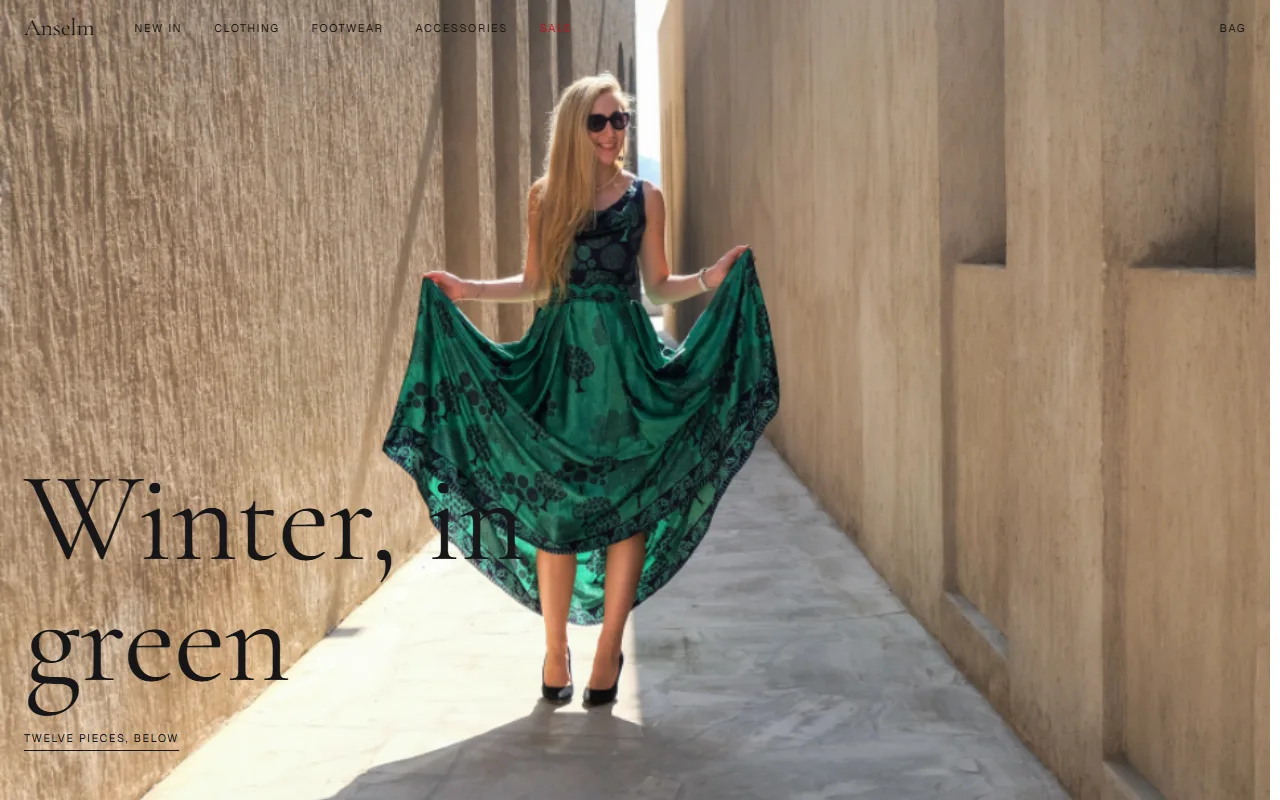
The raw run
The checked run's own result, before any polish: what the prompt alone got.
Components it uses
- aspect-ratio
- badge
- carousel
- cart
- checkbox
- dialog
- drawer
- field
- input
- input-group
- label
- native-select
- navigation-menu
- number-input
- popover
- radio-group
- rating
- toast
- toggle-group
- button
The agent adds these itself. To start by hand, after npx @kznlabs/labsui init:
What the result needs
Cart state
One client provider in the root layout holds the lines, and CartLine, CartList and OrderSummary render them in a Drawer and on the checkout. Save to localStorage after the first render, behind a ready flag, so the server HTML and the first client render match.
"use client";const CartContext = createContext<Cart | null>(null);export function CartProvider({ children }: { children: React.ReactNode }) { const [items, setItems] = useState<CartItem[]>([]); const [ready, setReady] = useState(false); useEffect(() => { setItems(JSON.parse(localStorage.getItem("cart") ?? "[]")); setReady(true); }, []); useEffect(() => { if (ready) localStorage.setItem("cart", JSON.stringify(items)); }, [items, ready]); // add, setQuantity, remove, clear …}Card headings follow the page
ProductCard's name is an h3 by default. Right under the page's h1, pass as="h2" (or add an h2 over the grid), or the outline skips a level.
<ProductCard as="h2" name={product.name} price={product.price} media={photos} />Photos
Realistic photos need network access: the agent asks for it, or you put the files in public/ yourself. Keep each photo's licence and source next to it, and check for logos before it ships.
Where payment plugs in
The checkout form's submit is the one place that talks to a payment provider. Swap the sample's pretend wait for a Server Action that recomputes the total from your own prices (never the client's), creates the payment and redirects to it.
Prices in euros
Format with Intl.NumberFormat("en-IE", { style: "currency", currency: "EUR" }), or pass currency="EUR" and a locale to ProductCard, CartLine and OrderSummary.