 labsUI
Game item shop
A game server's store in euros: ranks for 30 days, 90 days or forever, cosmetics by category, the nickname that receives the order, payment options, server status, a community goal and top buyers.
Open demo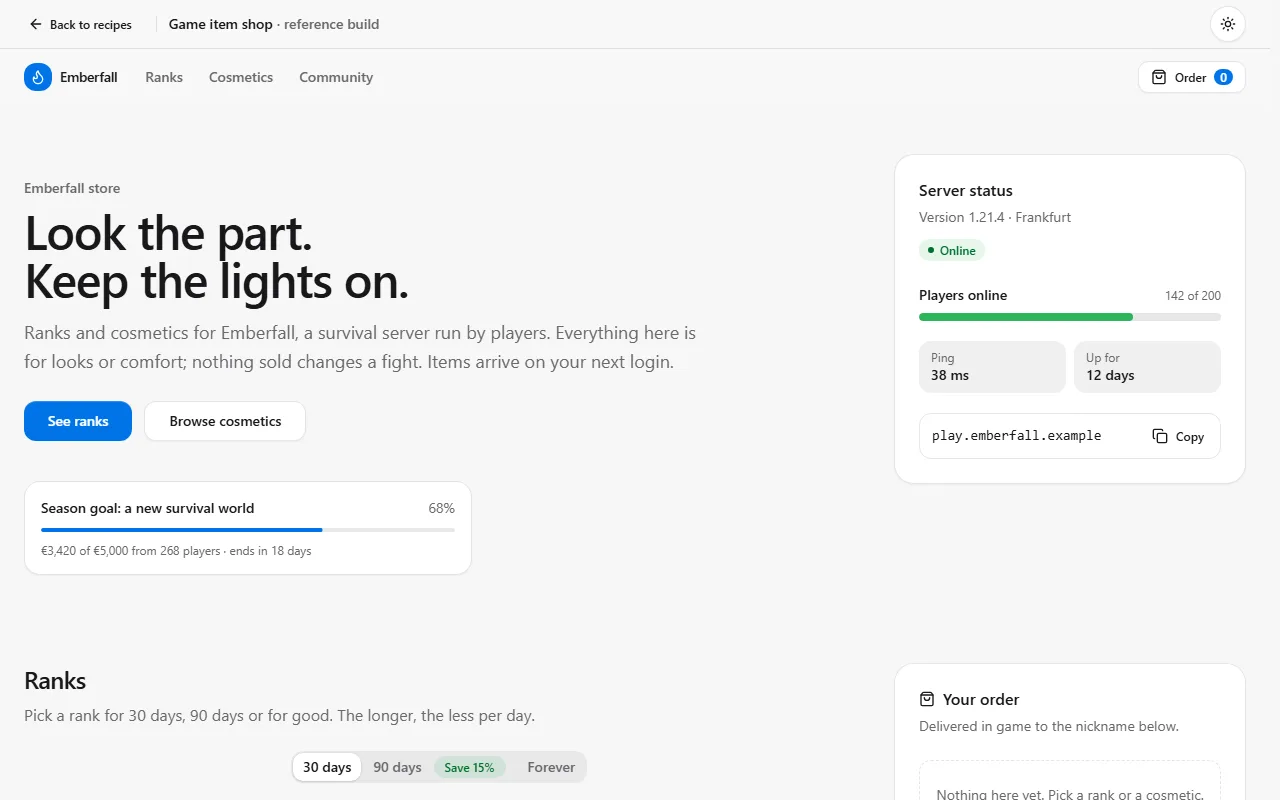
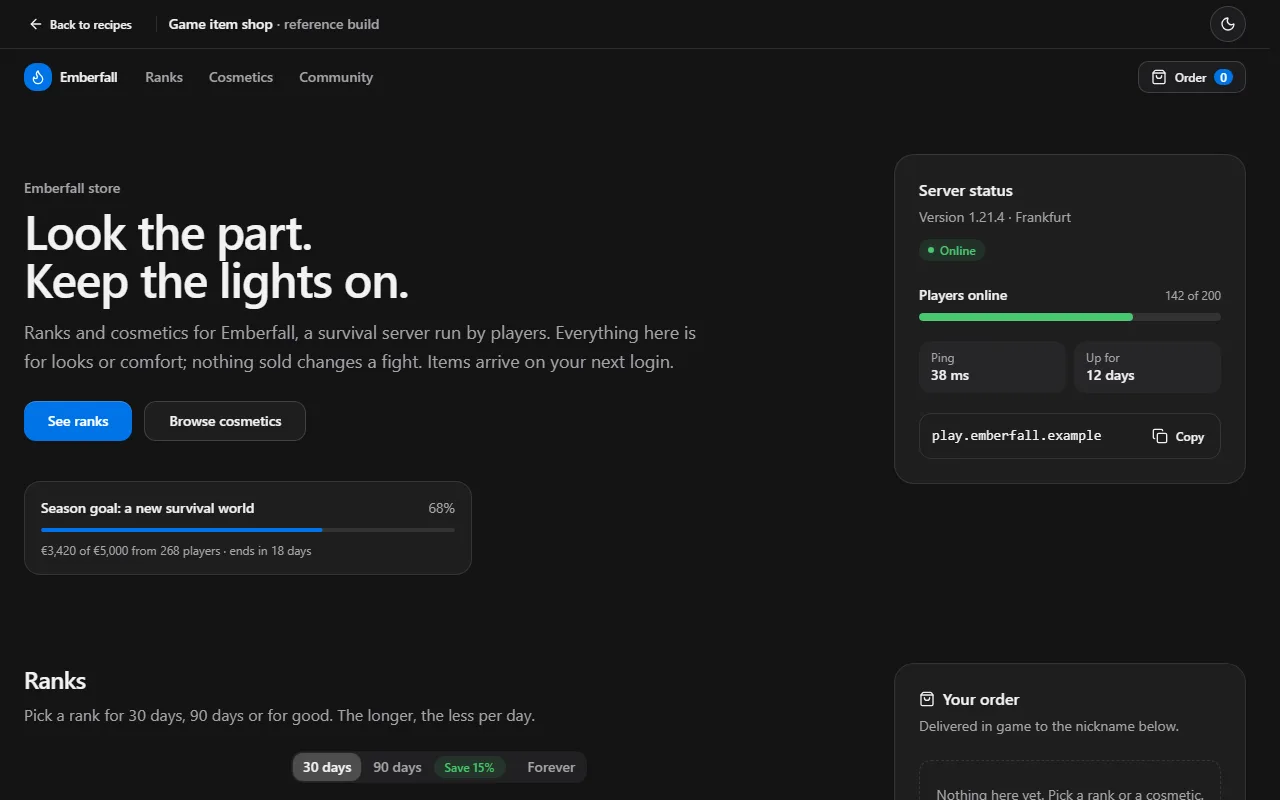
Prompt
Using labsUI, build the store for a block-building game server, prices in EUR, all text in English. It should feel loud and playful like a game launcher, not a SaaS page: dark first, flat saturated colour blocks, square corners (set `--radius` to 0), a chunky display font from `next/font` for headings and uppercase navigation. Up top: the server address with a copy button as the main action, the live player count and a row of game-mode tiles (Survival, SkyBlock, BoxPvP); picking a mode scopes the shop. Below, category tabs: bundles, ranks for 30 days, 90 days or forever, coins and boosters. Products are big colour tiles with the item art filling them, a sale badge like −25% and the old price struck through. Coins are bought with a quantity slider that updates the price live. Before paying, a field for the in-game nickname that receives the order, then payment options, with a "send as a gift" switch that asks for a friend's nickname instead. Add a community goal bar, this week's top buyers and a feed of recent purchases ("Mira bought Knight · 2 min ago"). Draw item art as inline SVG pixel icons, no game logos or ripped textures; sample data, no real payments. Pick one accent preset that fits, not the default blue. Avoid a small label above every heading, a centered hero with two equal buttons, three equal feature cards and round numbers like 10,000+.
Checked on labsUI 0.2.3 with Claude Sonnet, November 9, 2026: a fresh Next.js 16 app, the agent using only the labsUI MCP server. Its build passed and axe found no violations from labsUI.
The raw run
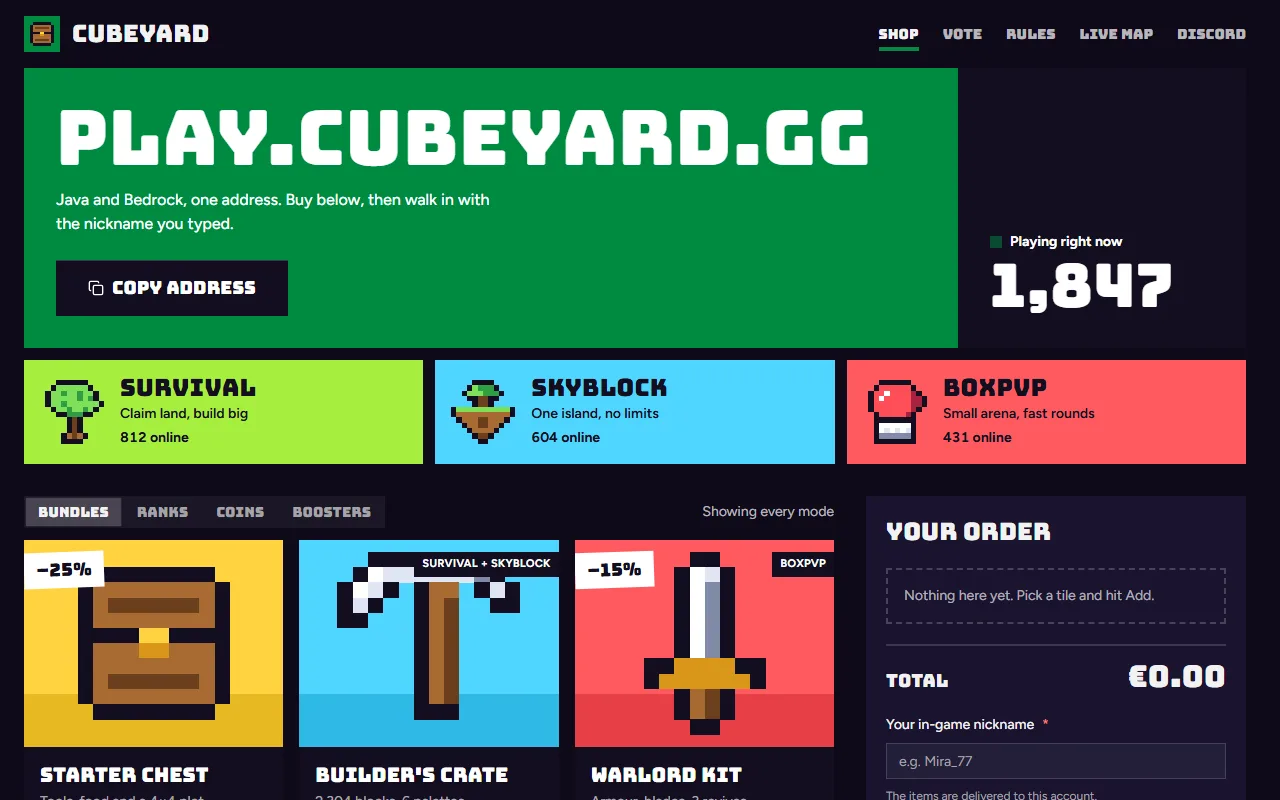
The checked run's own result, before any polish: what the prompt alone got.
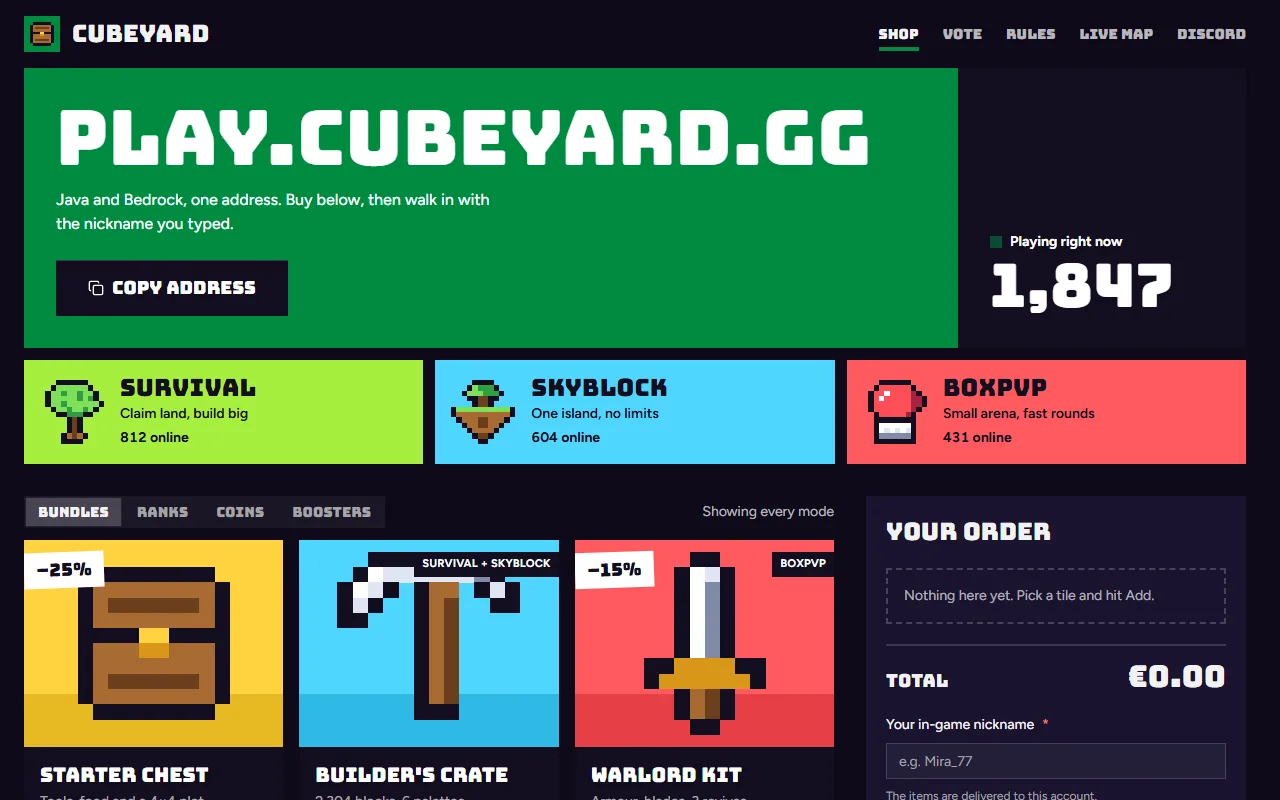
Components it uses
The agent adds these itself. To start by hand, after npx @kznlabs/labsui init:
What the result needs
Ranks are periods
Pricing takes any periods, so 30 days, 90 days and forever work like monthly and yearly. cta gets the picked period, so Buy adds the right price. Keep one rank per order: a new one replaces the old.
<Pricing label="Rank duration" currency="EUR" locale="en-IE" periods={[ { value: "30", label: "30 days", priceNote: "for 30 days" }, { value: "90", label: "90 days", note: "Save 15%", priceNote: "for 90 days" }, { value: "forever", label: "Forever", priceNote: "one payment" }, ]} plans={ranks.map((rank) => ({ ...rank, cta: (period) => <Button onClick={() => add(rank, period)}>Add {rank.name}</Button>, }))}/>Previews without game art
Cosmetics have no photos you may use, so ProductCard's media takes a tinted tile with an icon instead of an <img>. Tint by rarity and the grid reads at a glance.
The nickname is the address
Check it before payment: pattern="[A-Za-z0-9_]{3,16}" on the Input and an error on the Field when it fails. Look the name up on your server if you can, and warn (not block) when no one by that name has played.
Where payment plugs in
The order form's submit is the one place that talks to a payment provider. Recompute the total on the server from your own prices, and deliver the items from the provider's webhook, not from the browser.