 labsUI
Admin panel
A store admin in euros: a sidebar, orders with search, a status filter and row selection, a drawer that edits one order, a confirmation before deleting and a message after each change.
Open demo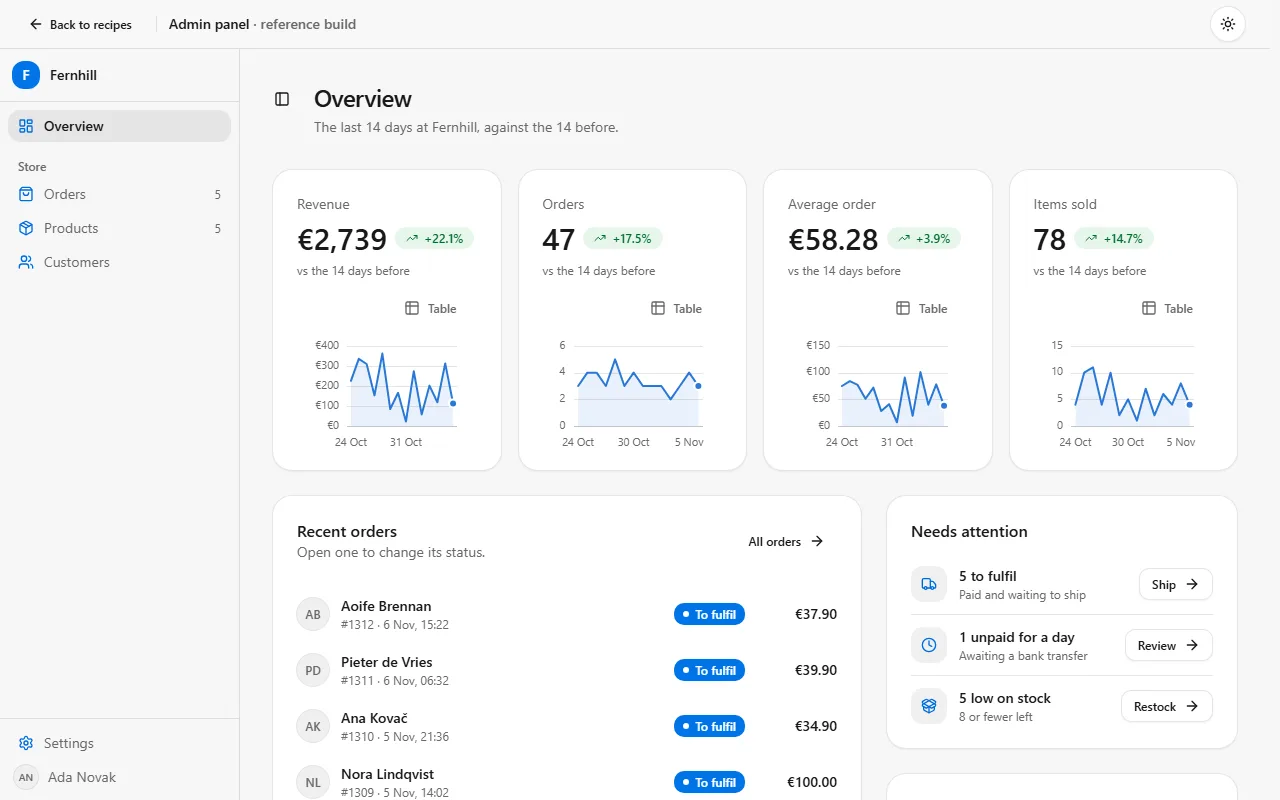
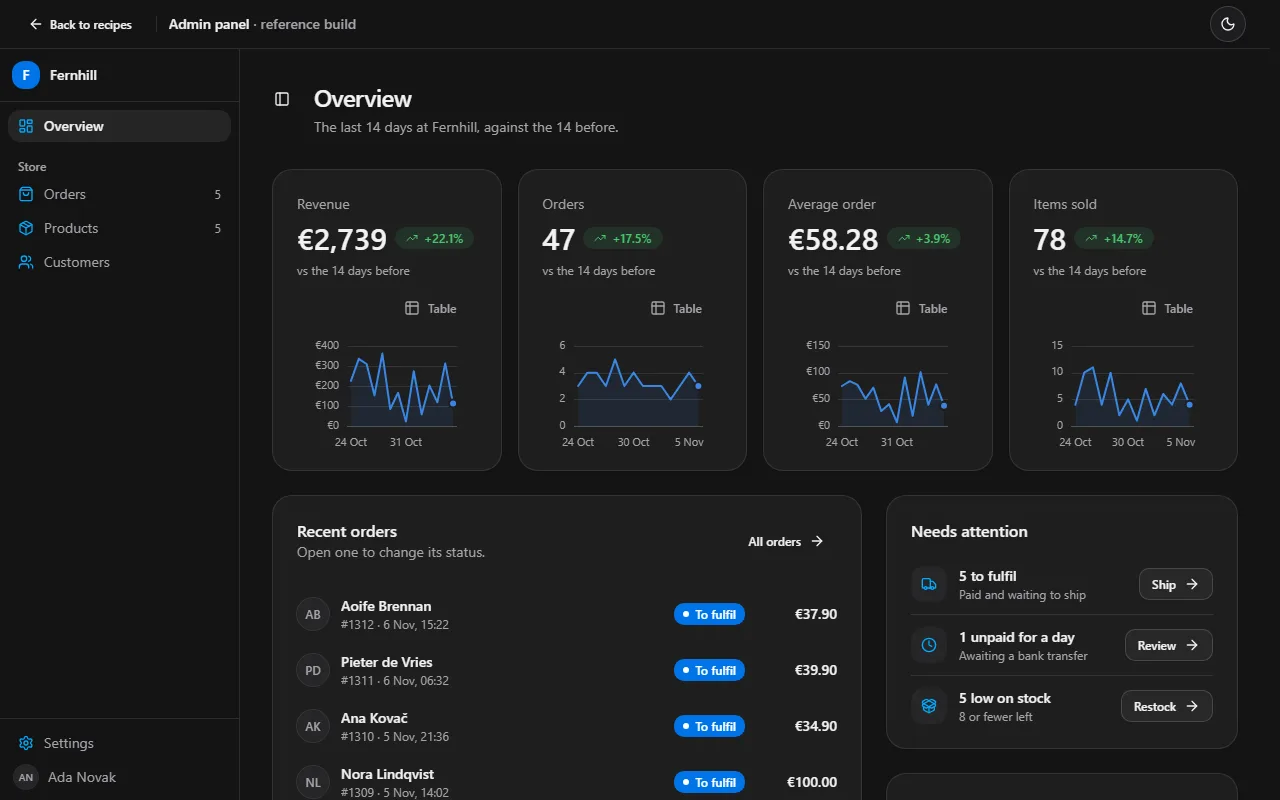
Prompt
Using labsUI, build an admin panel for a small online store, prices in EUR, all text in English: a sidebar for navigation, a table of orders with search, a status filter and row selection, a drawer that opens one order and edits it, a confirmation before deleting, and a message after each change. Use sample data.
Checked on labsUI 0.2.1 with Claude Sonnet, November 7, 2026: a fresh Next.js 16 app, the agent using only the labsUI MCP server. Its build passed and axe found no violations from labsUI.
The raw run
The checked run's own result, before any polish: what the prompt alone got.
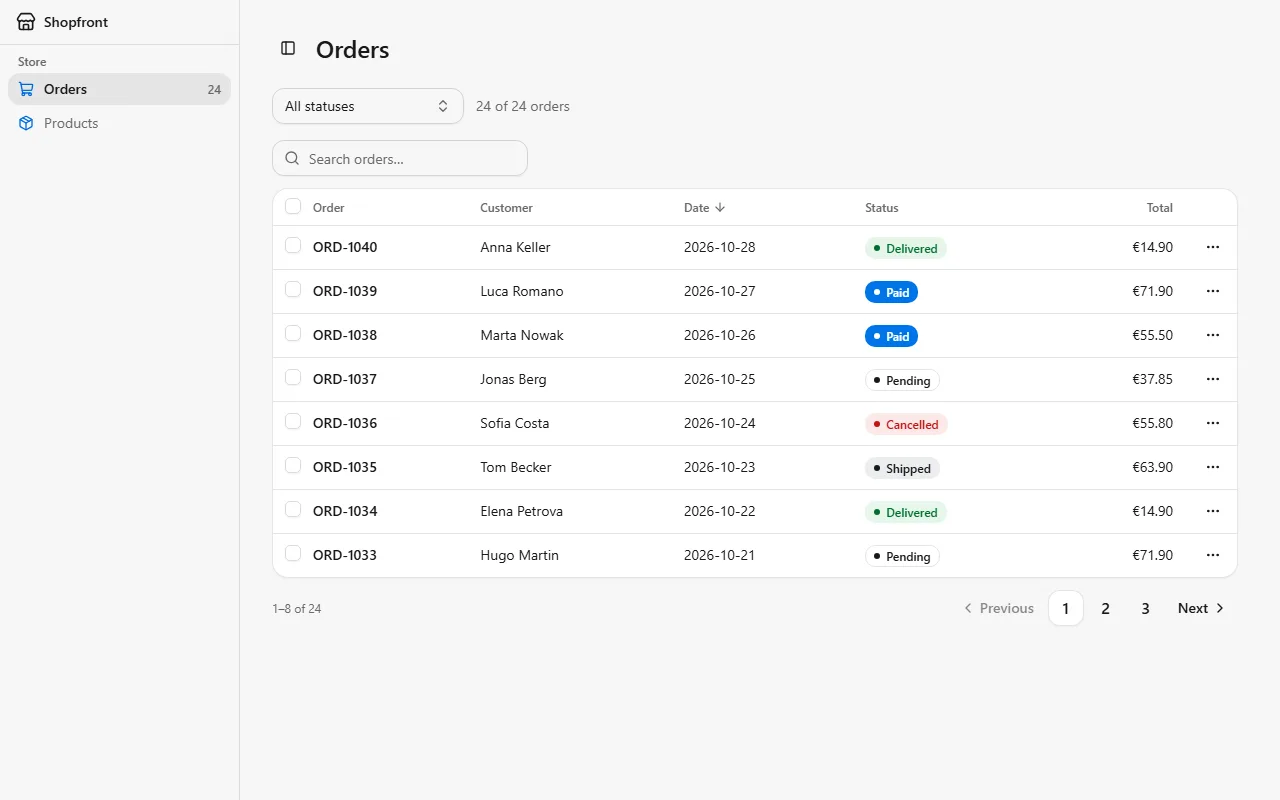
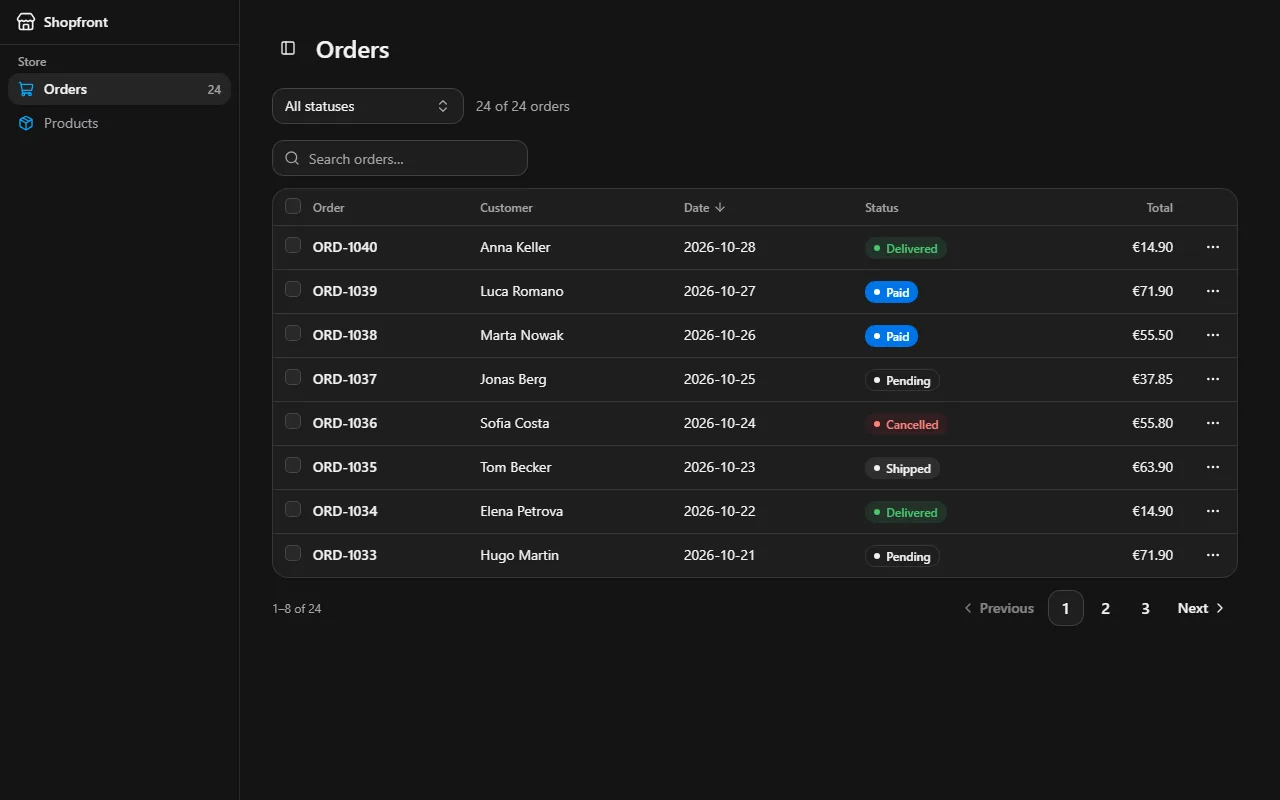
Components it uses
The agent adds these itself. To start by hand, after npx @kznlabs/labsui init:
What the result needs
Open a row from its first cell
DataTable rows don't take a click, so the order number's cell is a button that opens the drawer, and the ⋯ menu (rowActions) holds the rest. Search, sort, paging and selection keep working around it.
const columns: DataTableColumn<Order>[] = [ { id: "id", header: "Order", accessor: (order) => order.id, cell: (order) => ( <button type="button" onClick={() => setOpen(order.id)}> {order.id} </button> ), }, // …];Filter before the table
DataTable's search covers every column; a status filter narrows data before it goes in. A ToggleGroup with a count per status shows what each filter holds, and the same state lets other screens open the list pre-filtered.
Confirm, then offer Undo
await confirm({ destructive: true }) before deleting, then a toast whose action puts the rows back. Keep the removed rows, not a copy of the whole list, so changes made since stay.
if (!(await confirm({ title: `Delete ${ids.length} orders?`, destructive: true }))) return;const removed = orders.filter((order) => ids.includes(order.id));setOrders((current) => current.filter((order) => !ids.includes(order.id)));toast.success("Orders deleted", { action: { label: "Undo", onClick: () => setOrders((current) => [...current, ...removed]) },});A sidebar under a sticky bar
Without href, Sidebar items are buttons and onSelect gets their id, so one page can switch views. Under a sticky top bar, give the Sidebar sticky top-12 h-[calc(100dvh-3rem)] and the layout items-start; below md it is a drawer that SidebarTrigger opens.
Where saving plugs in
The drawer's form submit is the one place that writes. Point it at a Server Action, check the fields on the server again (a tracking number needs the carrier's format), and refresh the list from what it returns.